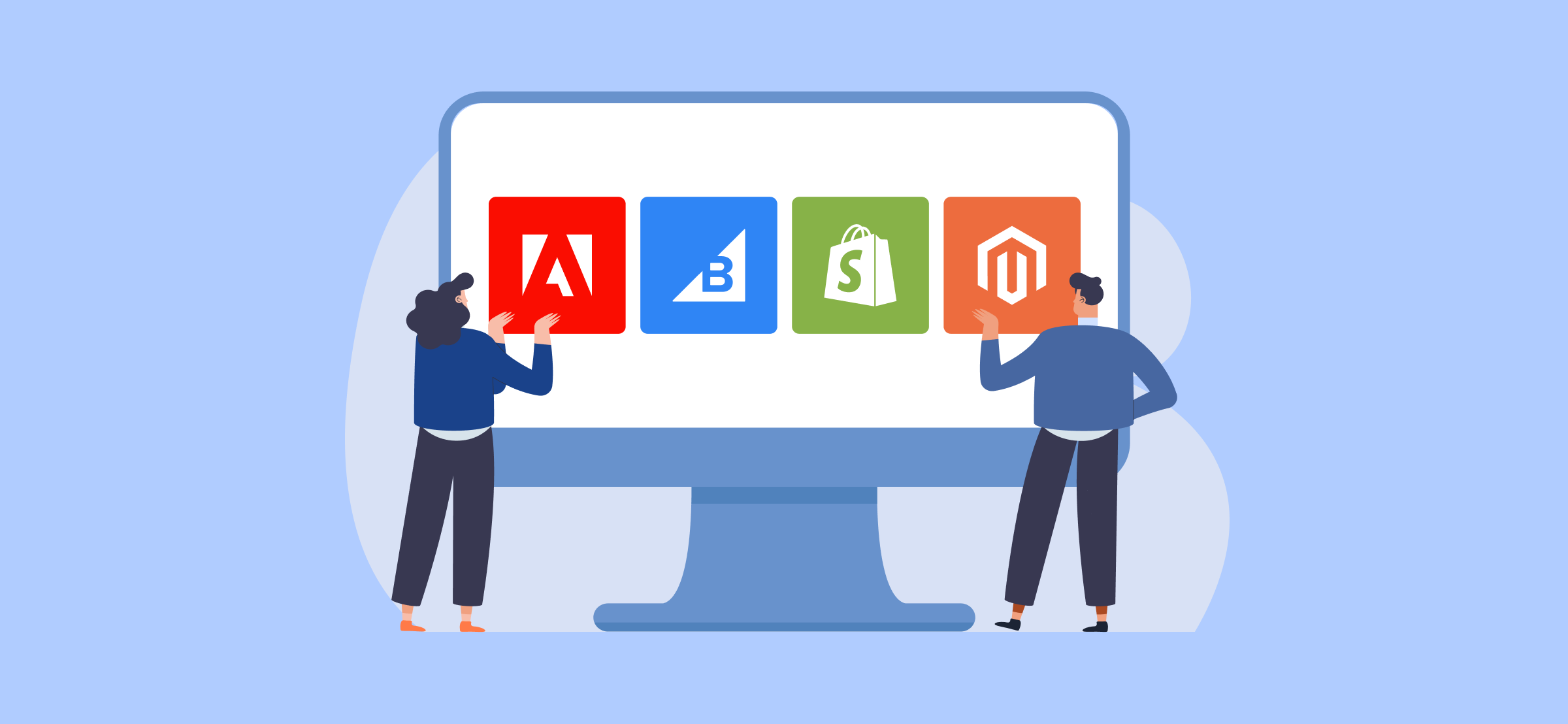
Certified official partners of the most renowned ecommerce solutions.

Toogas-AIP Webinar «Automation and Operational Efficiency in Ecommerce»

- Services
- Implementation of B2B and B2C Ecommerce Solutions
- ERP / CRM / OMS Integration and Automation
- Platform Migration and Upgrade
- Ecommerce Evolution and Support
- Digital Marketing – KPI-Driven
- Analytics, Insights and Data Reporting
- Artificial Intelligence (Agentic AI Ops)
- Ecommerce Audit and Consulting
- User Experience (UX) and Interface (UI)
- PPR Support
- Technologies
- Portfolio
- Clients
- About
- Contacts

How Do You Know When It’s Time to Move On from WooCommerce?

When the problems in an online store stop being issues that can be fixed and become limitations the team learns to work around, it is time to ask a different question: is the platform still keeping pace with the business?
With WooCommerce, the signs tend to appear gradually: a catalogue that becomes harder to search and filter, a plugin stack that no one wants to update without preparation, business customers with different pricing needs from end consumers, an ERP holding information that the store cannot use in real time, or performance that deteriorates as the catalogue and traffic grow.
One of these signs may simply be a maintenance issue. When several occur at the same time, the problem may no longer lie with development. It may lie with the platform itself.
What does the market data tell us?
WooCommerce’s market presence alone does not tell the whole story. The more interesting insight appears when we compare its overall presence with its presence among larger ecommerce operations.
According to HTTP Archive data from May 2026, WooCommerce was present on 6.64% of measurable web origins, compared with Shopify at 4.76%. Across the web as a whole, WooCommerce therefore maintained a presence approximately 1.4 times greater.
When the analysis is narrowed to the top one million ecommerce sites, the relationship reverses: Shopify accounts for around 28.8%, while WooCommerce stands at 18.2%.
This does not mean that WooCommerce is a poor platform. It means that requirements change as a business grows. A solution that is suitable at an early stage may become less appropriate as the catalogue, commercial complexity, markets, integrations and operational demands increase.
8 signs your ecommerce business may be outgrowing WooCommerce
- Catalogue growth has made search and filtering slower.
- A large plugin stack has come to support core functions of the ecommerce operation.
- B2B and B2C customers require different pricing, terms or experiences.
- The ERP holds the actual stock and pricing information, but the store cannot use it efficiently.
- The business sells across multiple countries, languages or currencies, and management has become progressively more complex.
- Site speed deteriorates as products, traffic or extensions are added.
- Routine merchandising changes frequently depend on development work.
- The team has stopped launching certain initiatives because of concerns about compromising the store’s stability.
The key is not to look at each point in isolation, but to understand the pattern. The more operational limitations accumulate, the more likely it is that the platform is constraining commercial decisions.
How many products can WooCommerce support?
There is no fixed number at which WooCommerce stops working. Looking only at the number of SKUs can also lead to the wrong conclusion.
WooCommerce uses the WordPress data structure, originally designed for content such as pages and articles, distributing attributes and additional information across different metadata records. This approach can work well with hundreds or even thousands of products. The difficulty arises when each product expands into variants, attributes, rules, filters and relationships that make queries progressively more demanding.
For this reason, the real limit is not simply catalogue size, but its complexity. A store with 2,000 highly configurable products may encounter limitations before a store with 15,000 simple products. The sign does not have to be an obvious failure: it may be a category that takes too long to load or a filter that no longer responds as quickly as expected.
When does the plugin stack become the problem?
Plugins are a natural part of the WooCommerce ecosystem. The problem begins when they stop adding specific functionality and start supporting the core business logic.
An extension for a payment method is performing a clear function. But when different extensions manage customer-specific pricing, bulk orders, stock synchronisation, tax rules, B2B accounts and other critical functions, the operation becomes dependent on multiple products that are maintained independently and were not always designed to work together.
The result can be greater difficulty in updating, testing and evolving the platform. Teams begin to assess new ideas not only by the value they could generate, but also by the risk they pose to the existing stack. When plugin updates always require staging, extensive testing and concern about breaking critical processes, the architecture deserves to be reassessed.
Do B2B and B2C customers need different pricing? This may be the strongest sign
As an operation begins serving business customers and end consumers simultaneously, commercial rules become more demanding. Customer-specific pricing, price lists, account hierarchies, quotation requests, payment terms and differentiated catalogues are common requirements in B2B commerce.
Many of these capabilities can be replicated in WooCommerce through extensions and development. The difference lies in maintenance and the ability to evolve. On a platform with native B2B capabilities, creating a new price list may simply be a configuration task. In an architecture heavily dependent on extensions, it can become a new development project.
The same principle applies to ERP integrations. If people are manually transferring information between systems that should communicate with one another, the cost of the limitation already exists. It simply does not appear as a line item called “migration”: it appears in team hours, errors, delays and processes that do not scale.
Does performance justify a platform migration?
Speed has a direct impact on the user experience and can affect business performance. The “Milliseconds Make Millions” study by Deloitte Digital and Google analysed 30 million sessions across 37 brands and associated a 0.1-second improvement in mobile speed with 8.4% higher retail conversion rates and a 9.2% higher average order value.
But before concluding that replatforming is necessary, it is important to distinguish an optimisation problem from an architectural one. Better hosting, caching, a CDN, code optimisation and a theme review can deliver meaningful improvements and should be assessed first.
What these measures do not solve is an architecture in which every new layer of catalogue complexity, commercial rules or extensions makes pages structurally heavier. If performance deteriorates again every time the business grows, the question is no longer simply “how can we make the site faster?”, but “is this architecture ready for the next stage?”.
Which platform should you move to?
There is no universal answer. The right platform depends on the catalogue, business model, integrations, markets, order volume, B2B/B2C operation and the company’s internal capabilities.
Platform | Best suited to | Main trade-off |
Adobe Commerce (Magento) | Complex catalogues, native B2B, multi-store and deep ERP integrations | Greater capability and flexibility, with a higher total cost of ownership and the need for a specialist team/partner |
Shopify / Shopify Plus | Fast go-live, D2C operations and lower operational overhead | Less flexibility in B2B scenarios and highly complex commercial rules |
BigCommerce | Mid-market companies looking for native B2B capabilities with a leaner operation | Smaller ecosystem and partner network |
A platform recommendation only makes sense after analysing the real operational context. Choosing the technology first and only then trying to adapt the business to that decision reverses the process.
Can a platform migration harm SEO?
It can, if the migration is poorly planned. The URL structure should be mapped with one-to-one redirects, metadata and structured data should be migrated correctly, and the information architecture should be deliberately preserved or improved.
Some volatility during the recrawl process is normal. A sustained decline, however, should not be treated as inevitable. In many cases, it results from migration decisions such as incomplete redirects, uncontrolled architectural changes or lost content that could have been anticipated.
Is it the platform, or does the implementation simply need optimising?
This is the question that should be asked before investing in a migration. Not every WooCommerce problem is a platform limitation. Poorly optimised code, a heavy theme, misconfigured caching or inadequate infrastructure can be corrected without replatforming.
The distinction is simple: an implementation problem improves when the implementation is fixed. A platform limitation continues to surface even after those optimisations because it is linked to the way the business needs to operate and grow.
That is why a technical and functional audit should come before any decision. The aim is not to find arguments for migrating. It is to understand whether the current platform still meets the needs of the business and what the real cost is of continuing as it is.
Where does Toogas come in?
At Toogas, we see replatforming as a business decision supported by technology. Before recommending a platform, we analyse the catalogue, commercial processes, integrations, B2B and B2C operations, markets, performance and what the company needs to be able to achieve over the coming years.
If you recognise several of these signs in your operation, an audit can help distinguish what should be optimised from what requires structural change.
Talk to us to assess your current platform, identify the main points of friction and determine whether it makes sense to optimise, evolve or begin a replatforming process.